Share and paste timestamps
This guide shows you how to copy a timestamp from the stream and jump to a shared one.
Copy a timestamp
-
Select a time on the timeline
Click on the timeline to rewind to the moment you want to share.
-
Copy the timestamp
Open the Selected tab at the bottom of the interface. Click More, then select Copy timestamp. This copies an ISO timestamp to your clipboard, for example:
2026-06-20T14:30:00+03:00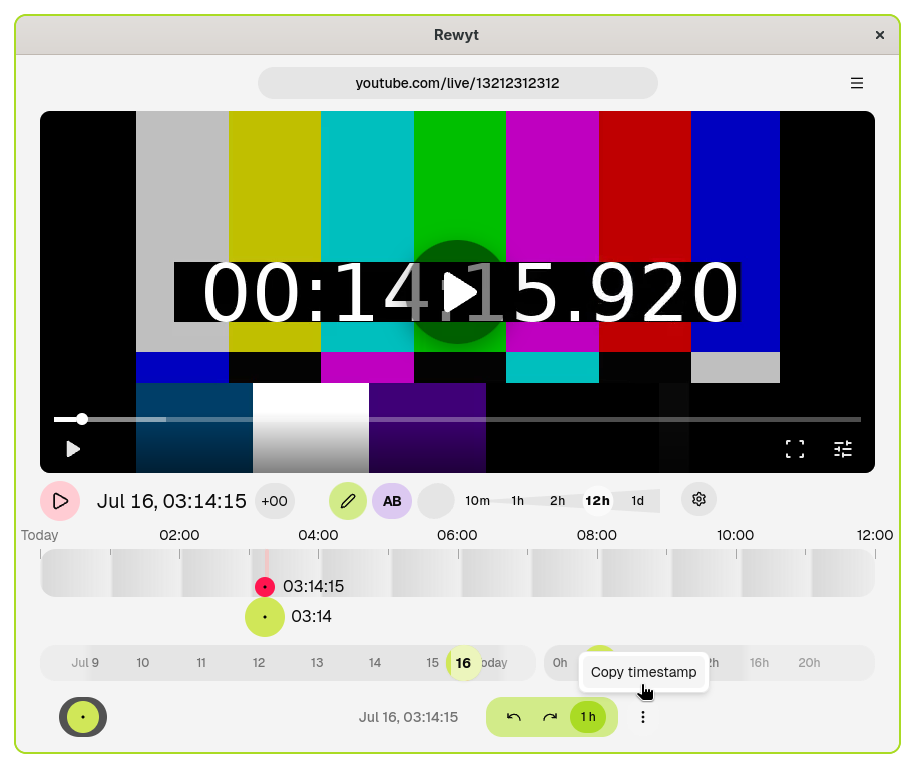
Share this timestamp with others so they can jump to the exact same moment.
Jump to a shared timestamp
-
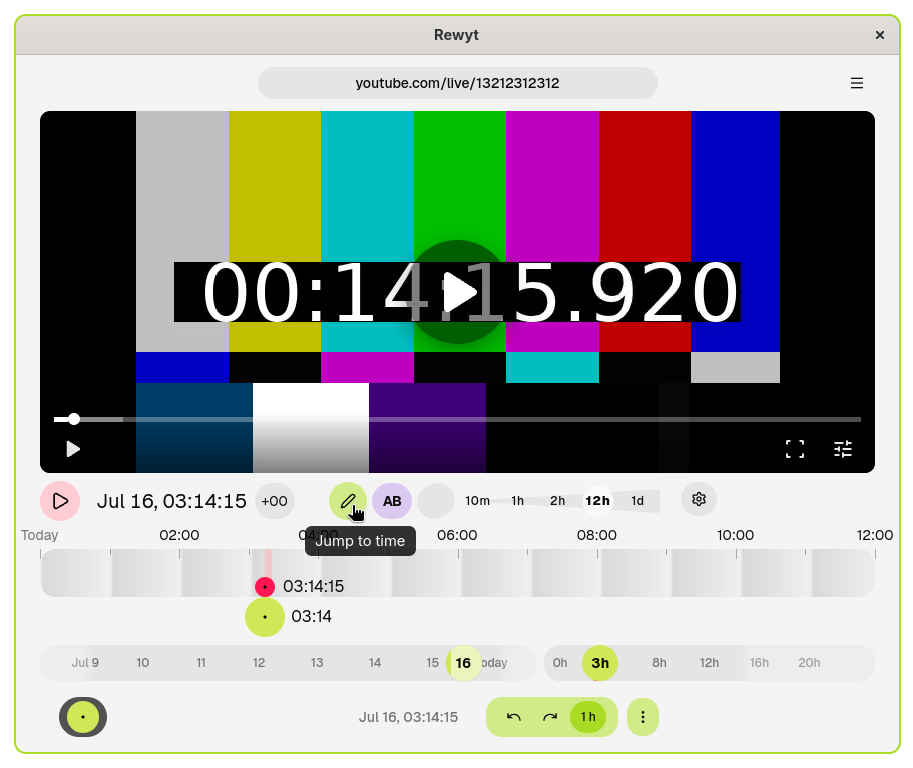
Open the Jump to time dialog
Click the Jump to time button in the main bar.
-
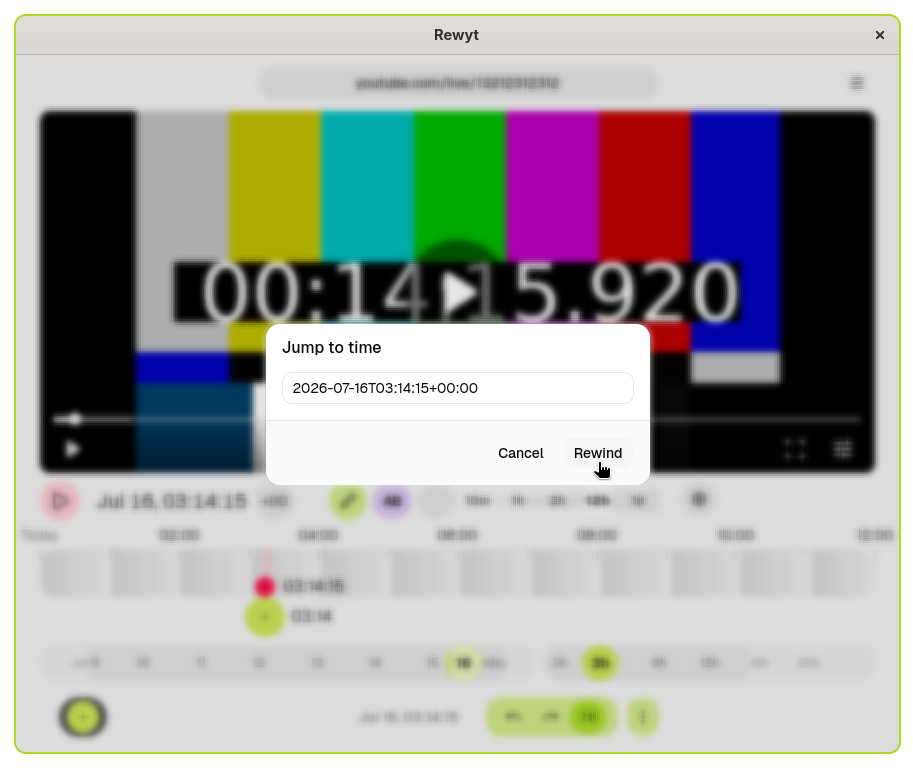
Paste the timestamp and rewind
Paste the ISO timestamp into the input field and click Rewind. The stream jumps to that moment and starts playing.